


Laptops are an indispensable and powerful tool in the era of hybrid work, but if you don’t consider the ergonomics of your laptop and your desk, you could be jeopardizing your health and productivity. Here, we'll explore why and reveal the simple steps you need to take to avoid aches, pains, and injuries.
Why are laptops potentially risky?
Laptop designs sacrifice good working posture for portability and convenience. Because the screen and keyboard hinge together, you'll have to look down at it when you lay the laptop flat on a surface and open the screen.
Because of the laptop's very low viewing angle, you may find yourself sitting with your chin protruding forward. Your head is heavy (about 10-12 pounds), and according to research published in the International Journal of Surgical Technology, the farther you lean forward, the heavier the load. In a poor texting position, your head can put a load of up to 60 pounds on your spine, which is more than a regular microwave.
Our ergonomics experts say: "Using a laptop in a poor static position for hours on end can cause or exacerbate many musculoskeletal problems, such as neck pain, arm and hand pain with or without referred pain, localized wrist problems - especially Yes, if you use the trackpad on a laptop, the base is thick. My therapy colleagues and I also find that upper back pain, headaches, eyestrain, lower back problems and even leg problems seem to be associated with prolonged laptop use.”
What is the correct posture for laptop use?
Laptops aren't inherently bad for us. What matters is how we use them. The way you use your laptop can have a major impact on your health, well-being and productivity.
First, let's consider your posture. Sit up straight and your eyes should be flush with the top of the computer screen to avoid injury.
There are also many simple workplace ergonomics tips you can try.
at the desk
Laptops may be called laptops, but we don't recommend using them on your lap for extended periods of time. If you need to work more than 15-20 minutes at a time, you should place yourself on a surface, preferably with ergonomic equipment. If you only have a laptop, then make sure you stretch and move as much as possible.
Connect the laptop to the monitor
To recreate the desktop experience, connect your laptop to one, two or even three monitors to expand your workspace, multitask like a pro, and work faster and more accurately. Mount the screens on adjustable monitor arms so you can instantly adjust them to a comfortable position.
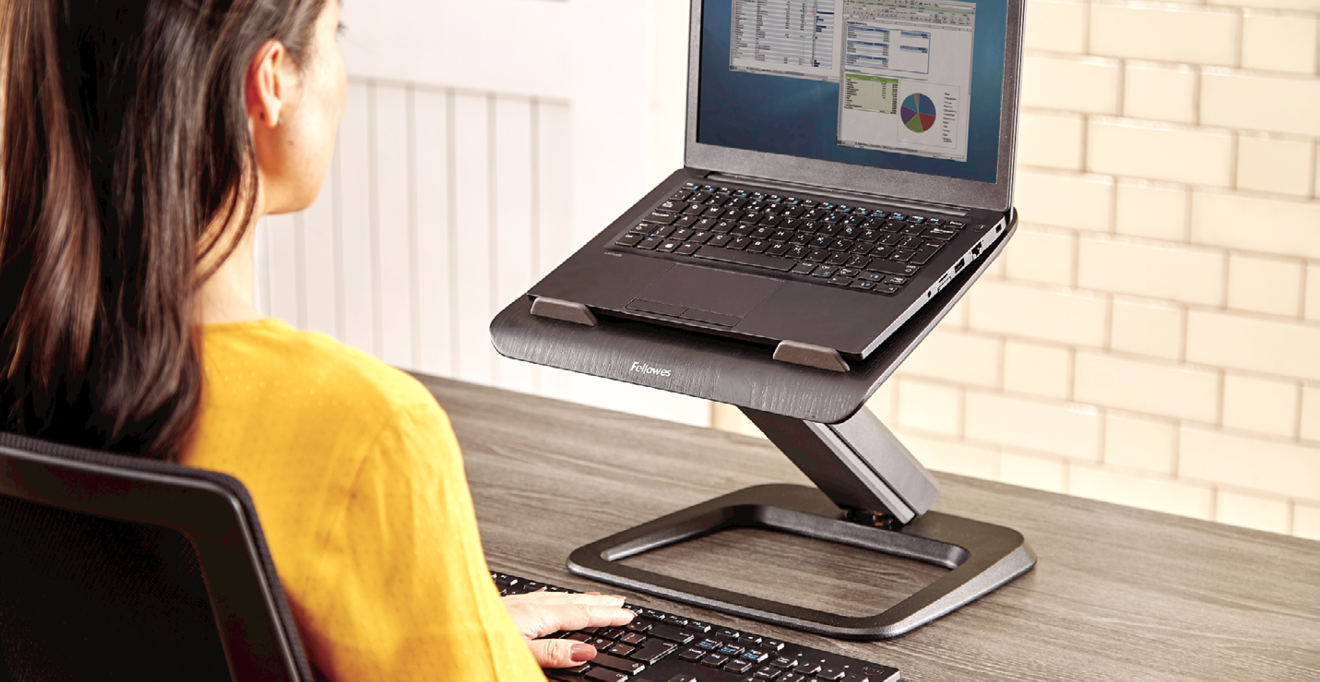
Using a laptop stand with separate keyboard and mouse
You can buy all three in our specially selected laptop bags.
Laptop Stand - Raise your screen to eye level to keep your device cool and protected.
Mini Keyboard - Can be attached to your laptop to help you avoid typing at a steep, elevated angle when using the stand.
Ergonomic Mouse - Supports your hands in a healthy working position and offers more comfort, speed and productivity than a laptop trackpad.


